
JioEyeQ Dashcam

Drive with clarity. Drive with confidence.

JioEyeQ Dashcam

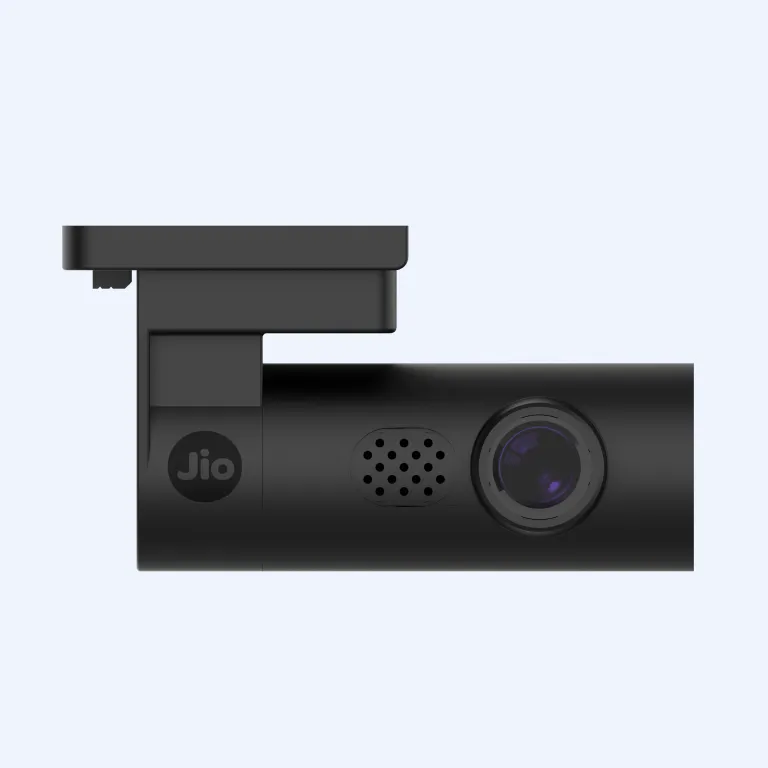
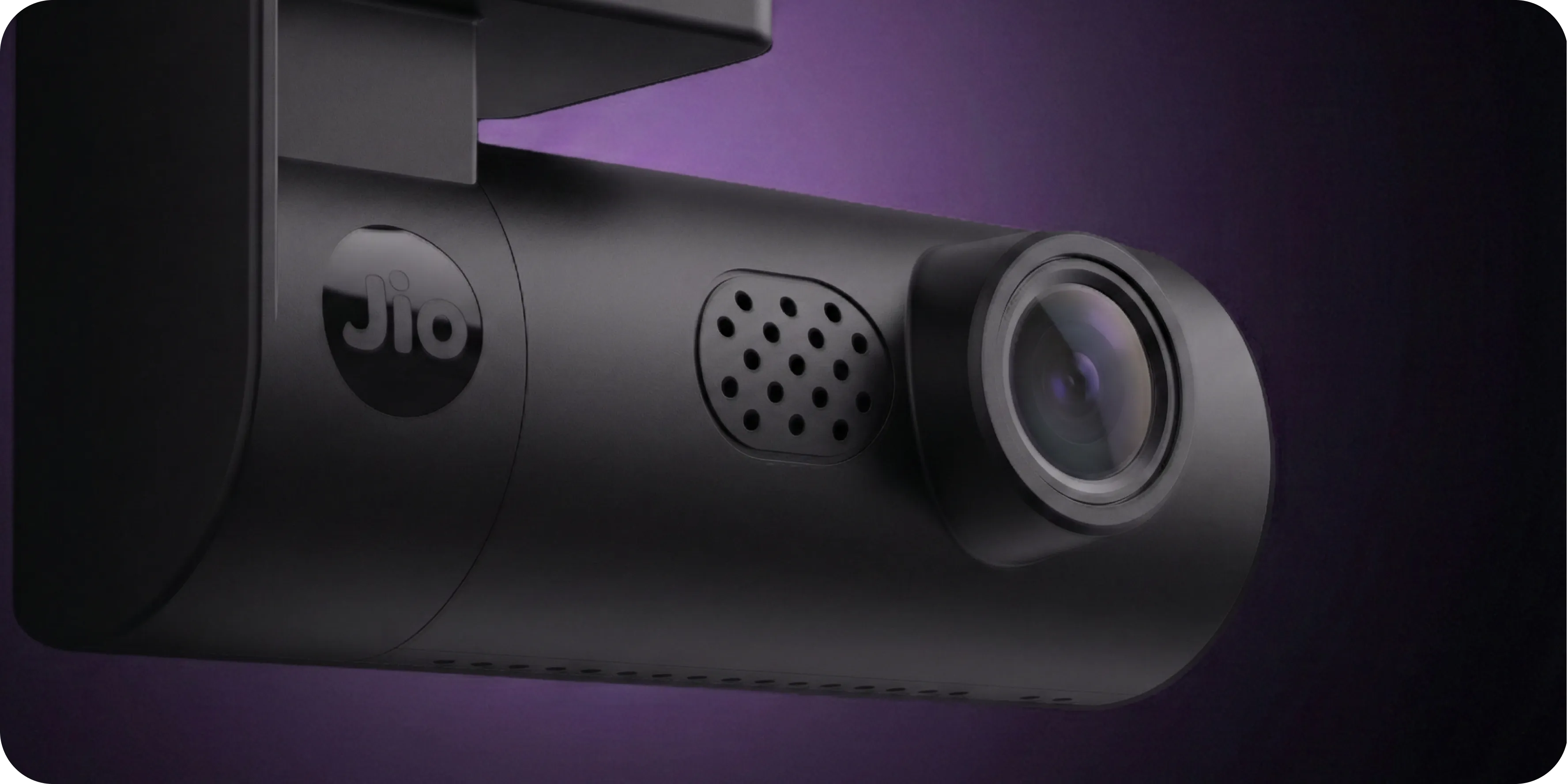
With the JioEyeQ dashcam, you see every detail in sharp Full HD with built-in safety and GPS tracking. It records every drive, reacts instantly if something goes wrong, and gives you clear proof when needed.

Energy Efficiency and Sustainability

Crystal Clear Evidence: Capture license plates and road details in stunning Full HD 2MP resolution.

Intelligent Vigilance

Intelligent Vigilance: Built-in sensors that automatically lock footage during sudden impacts.

Journey Intelligence

Journey Intelligence: Recording and GPS Tracking your precise location, speed, and route history.

A dashcam that does more than just record

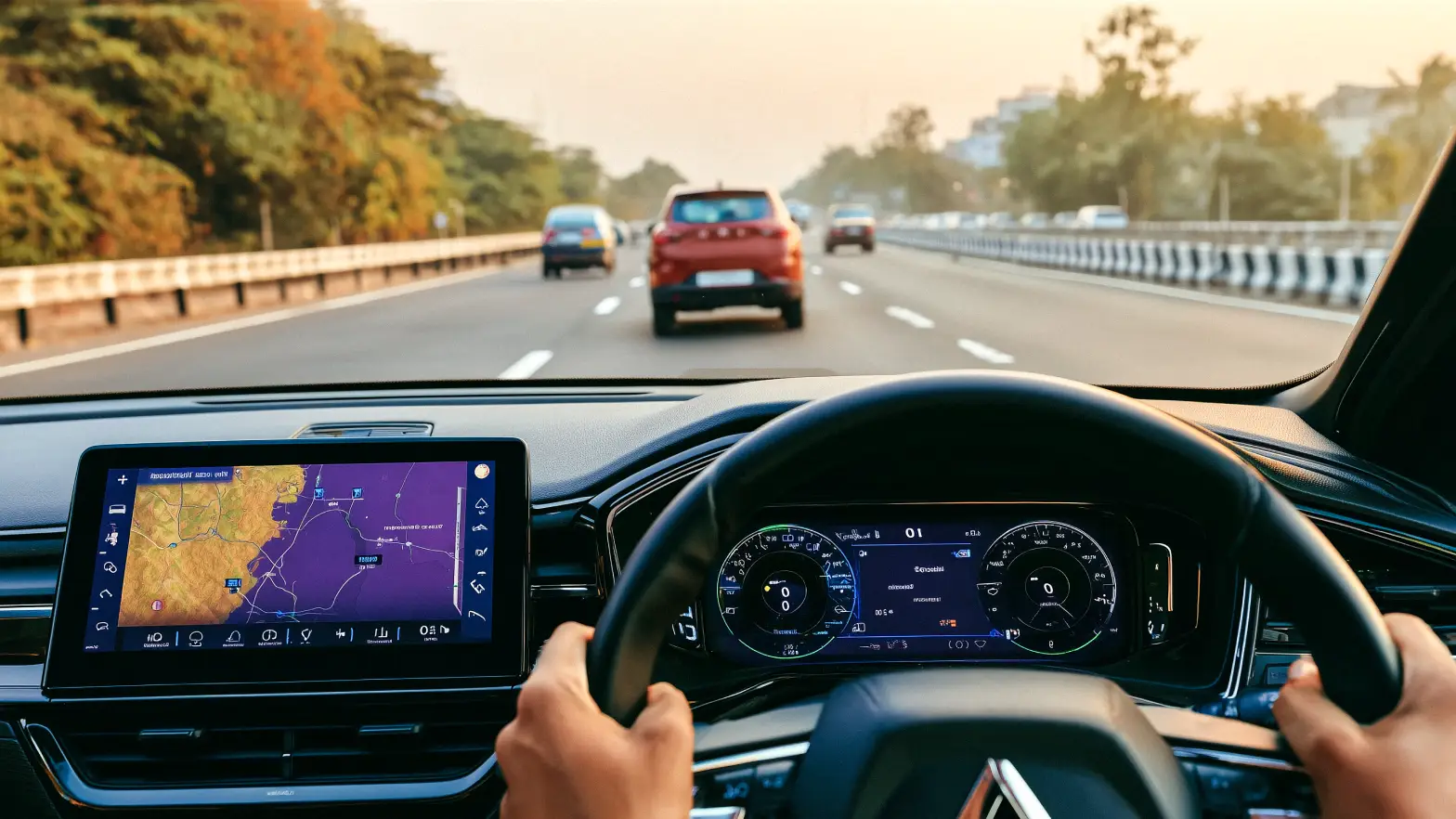
Besides capturing your drives — from daily commutes to highway trips — JioEyeQ’s GPS logging, collision detection, and emergency recording keep you ready for the unexpected.
A dashcam that does more than just record
Works across the country
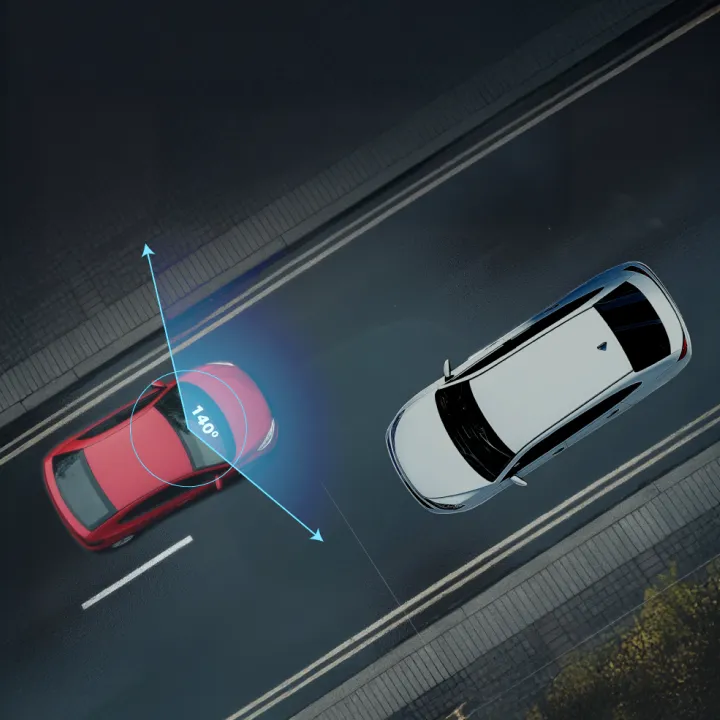
Super-wide 140° view of the road

Covering more of the road in a single frame with a 140° wide-angle lens, JioEyeQ captures multiple lanes and minimises blind spots. You see what happened not just ahead, but around you.

Backed by Jio network
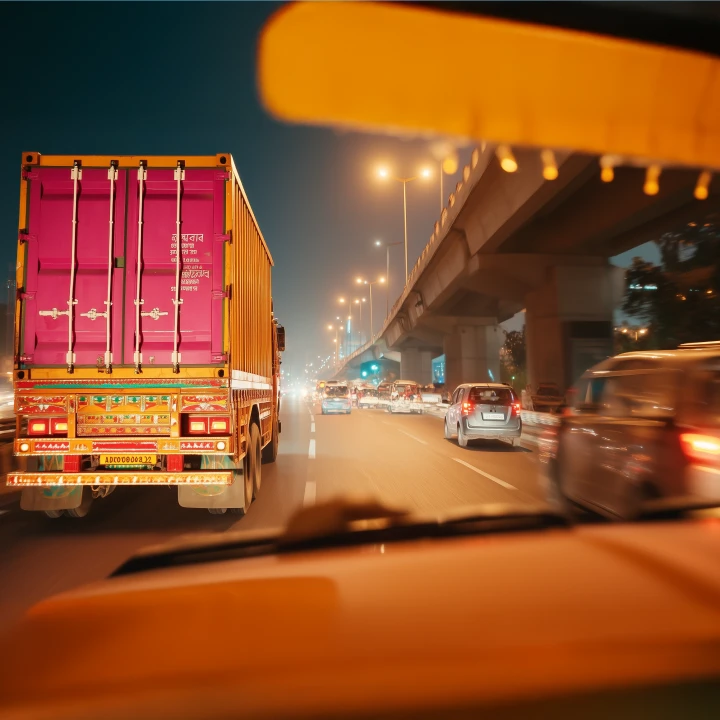
Night-ready for low-light driving

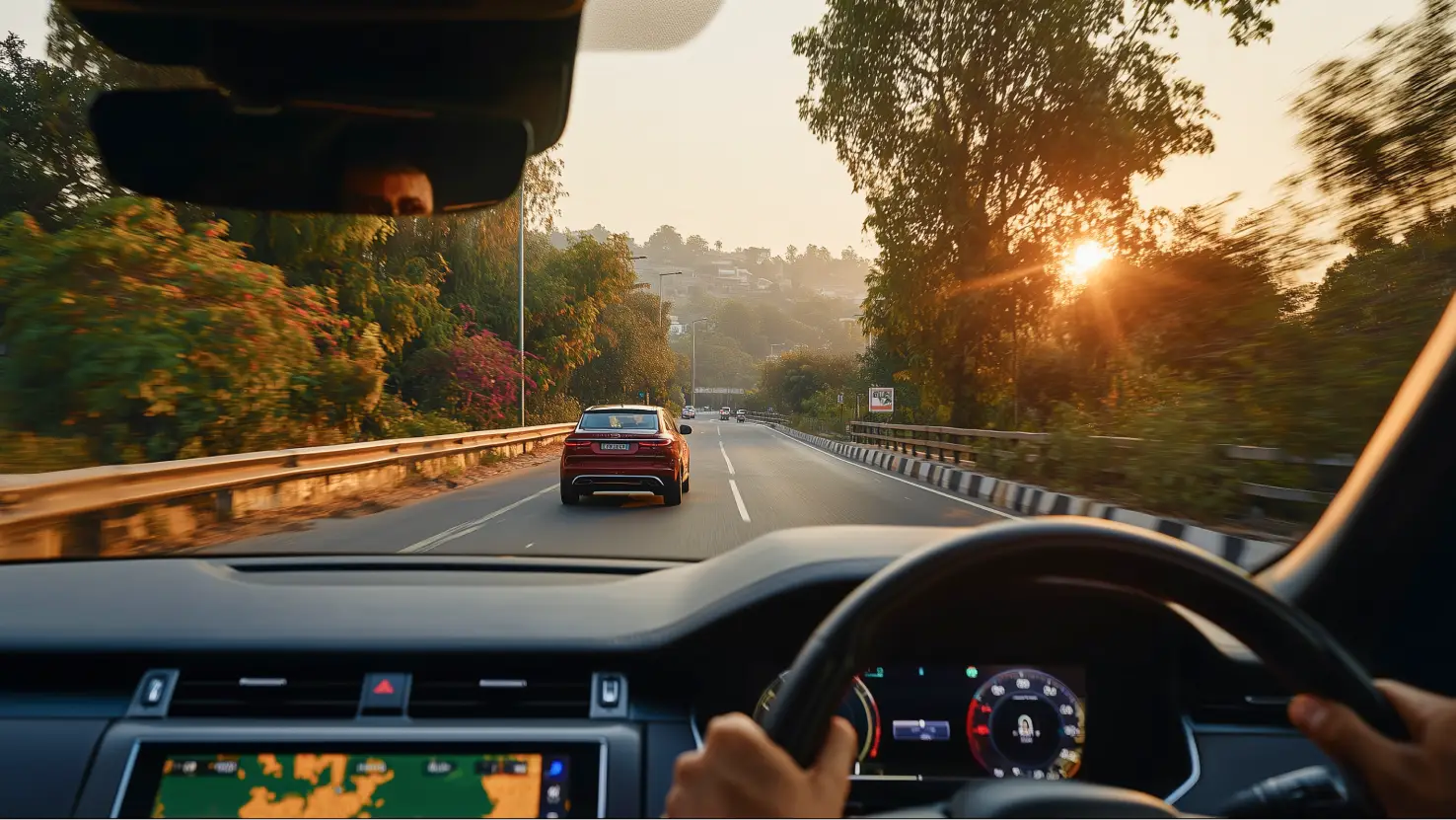
With its Night Vision camera, your JioEyeQ records clear, detailed footage even on dim streets and poorly lit highways. You get sharper low-light clarity, so important details stay visible when it matters most.

Major highlights

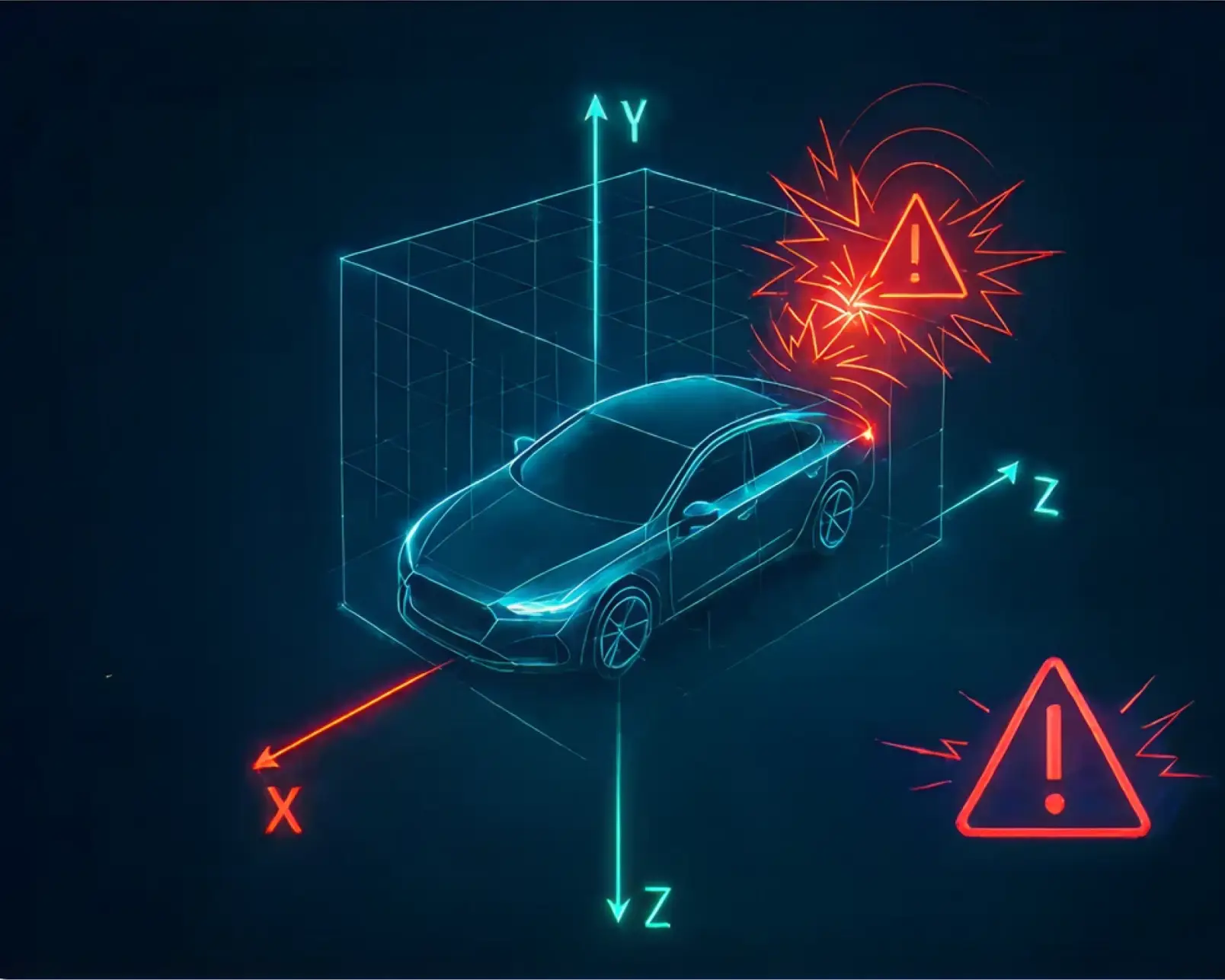
G-sensor and emergency recording.

With a built-in 3-axis G-sensor, JioEyeQ detects sudden impacts and instantly locks the footage in the Incidents folder, preventing overwrite. Automatic triggers ensure critical moments are securely saved, giving you reliable proof for claims.
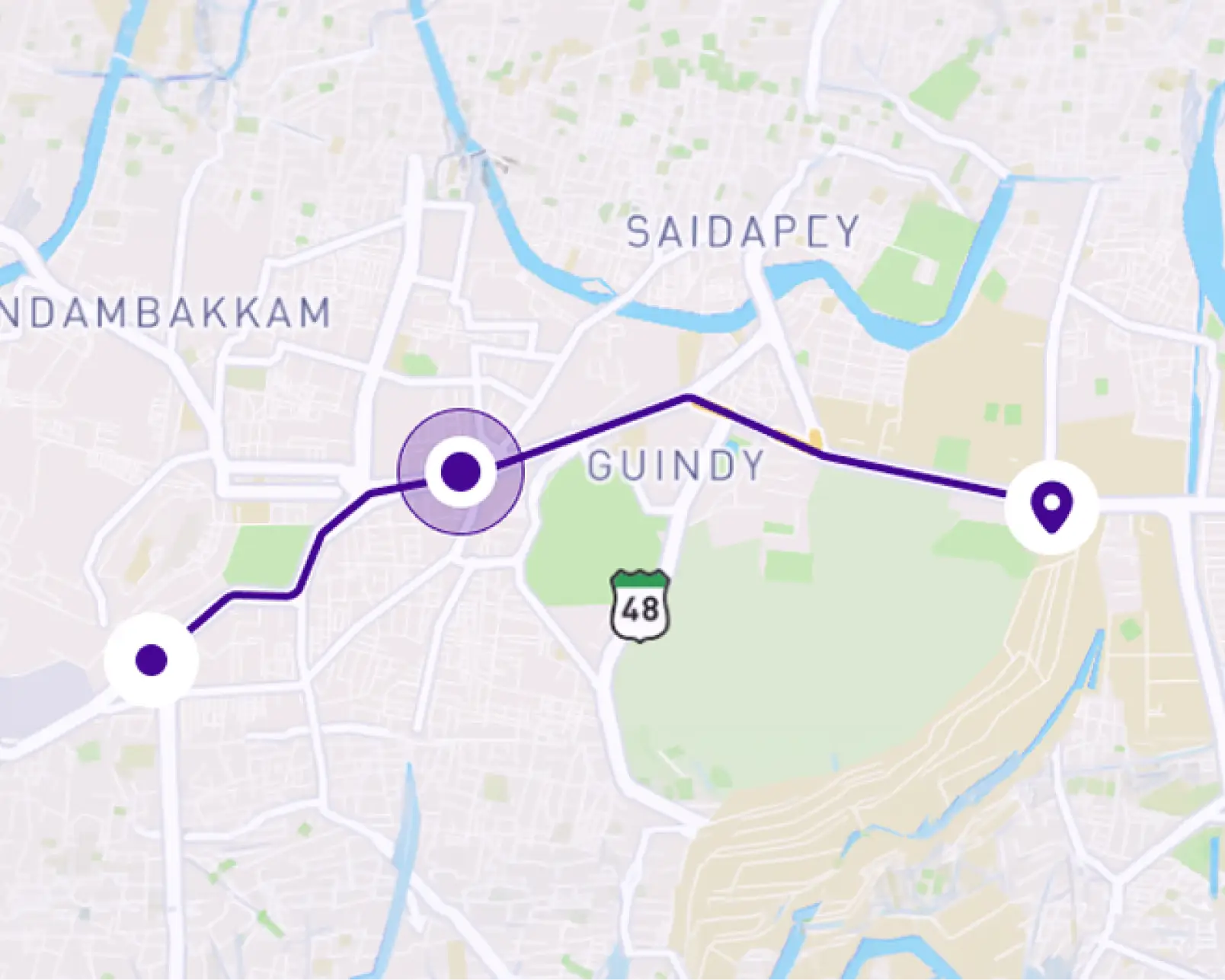
In-built GPS logging.

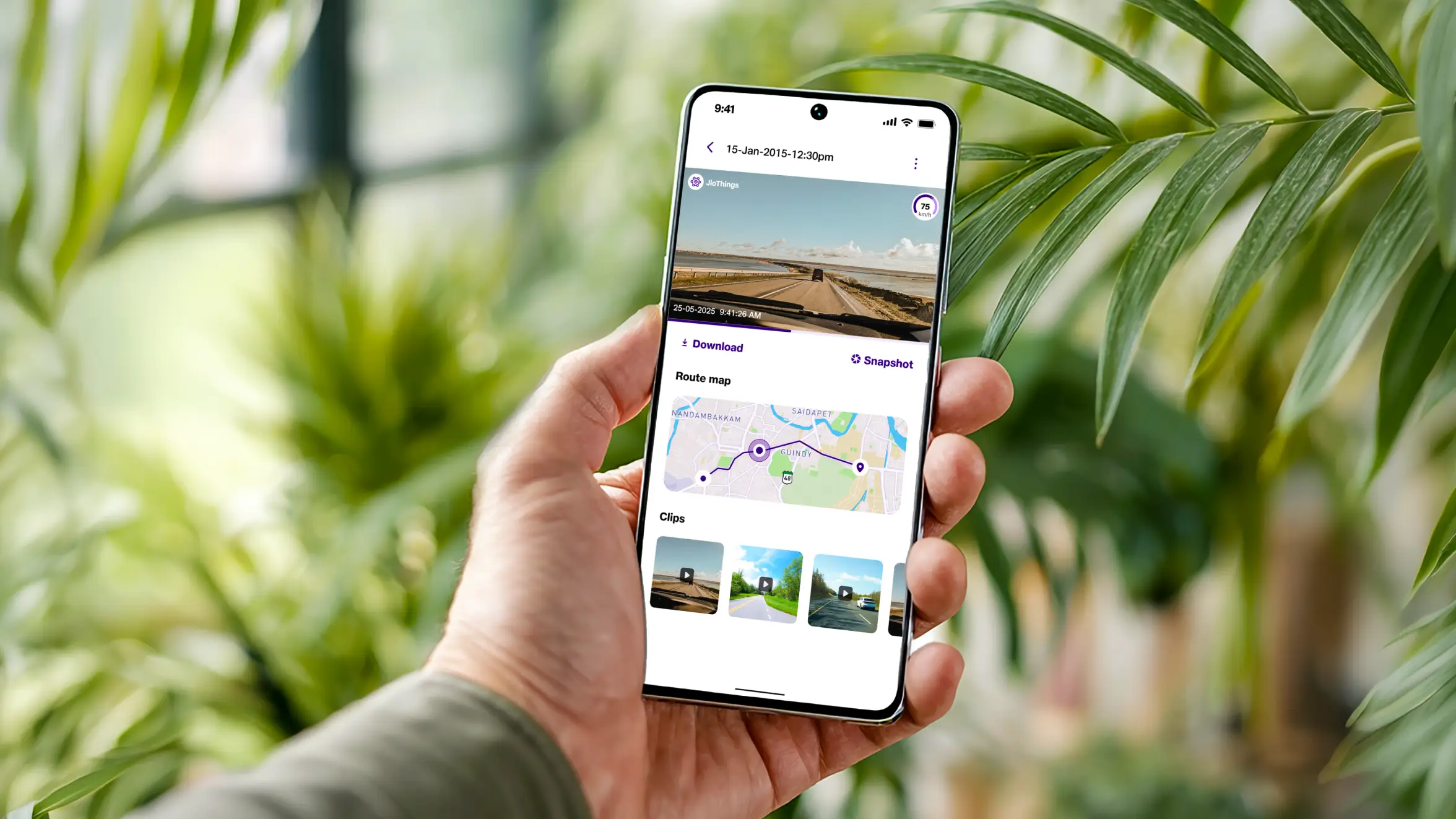
Track your exact location, speed, and route history, with every drive securely logged using precise GPS coordinates. Inside the JioThings app, you can access trip details, review maps, and get tamper-proof, time-stamped data.

Pedestrian detection.

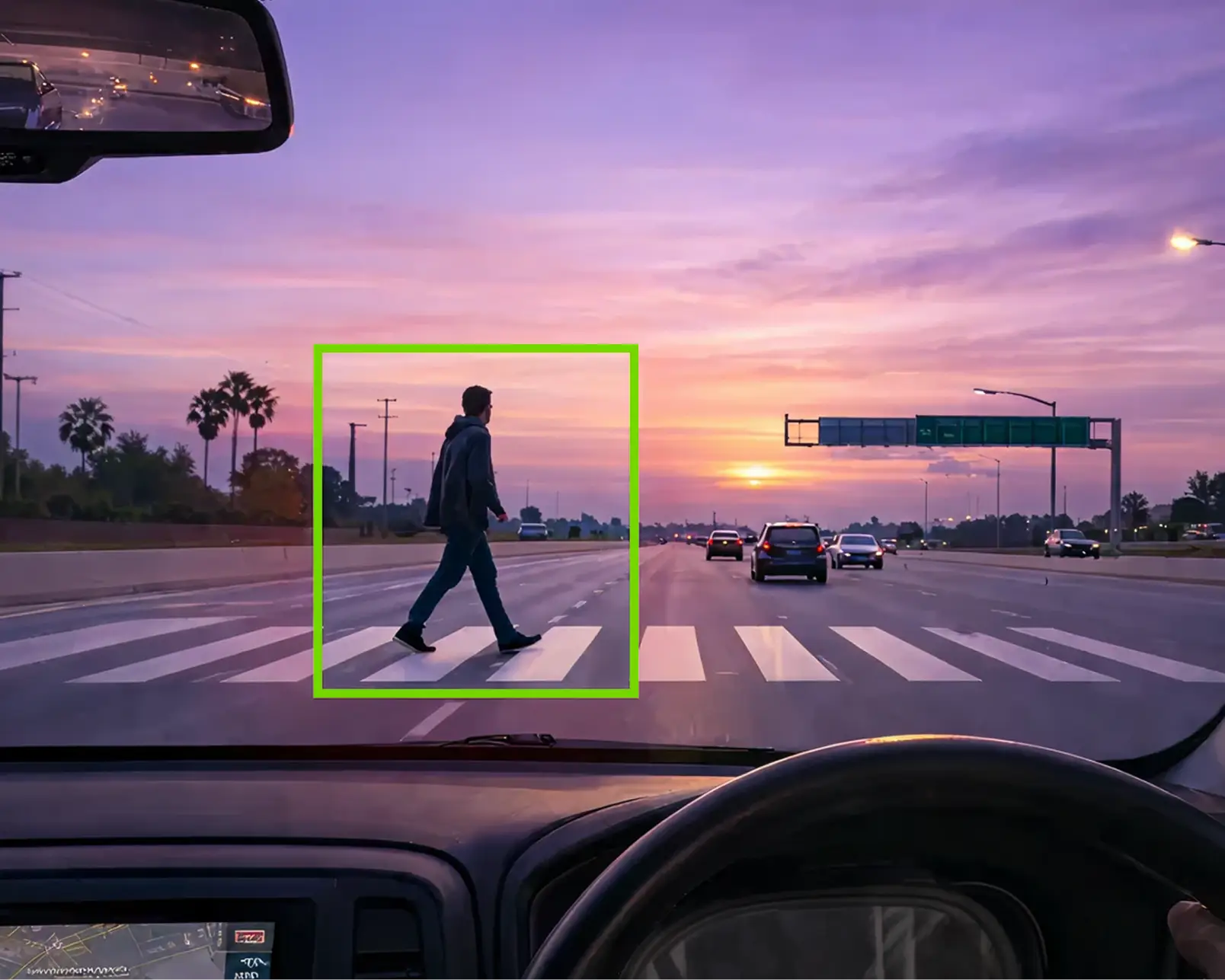
AI-based pedestrian detection alerts you instantly if someone steps in front of your car. It’s especially useful on long drives, helping you stay focused and aware of the road ahead at all times.

One device. Many real-world benefits.

Drive with proof
Drive with proof

Get clear video proof for accidents and unexpected road disputes.

Resolve claims faster

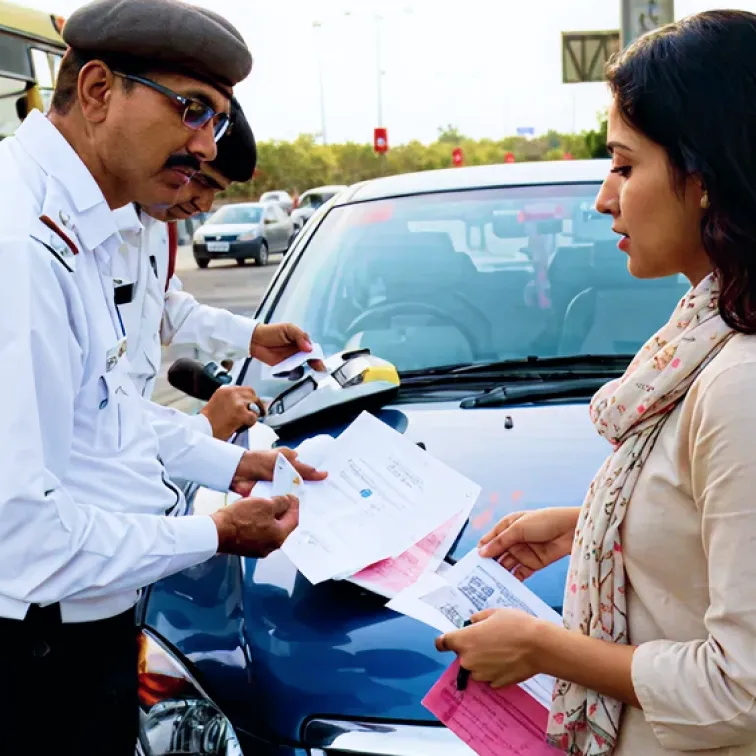
Strong support for insurance claims and resolving incorrect traffic challans.

Get pedestrian alerts

AI Pedestrian Detection with voice alerts through the built-in speaker.

Set up instantly
Set up instantly

Includes a Type-C charging adapter and a 32GB memory card for quick setup.

Setting up on the JioThings app is even easier

Energy Efficiency and Sustainability
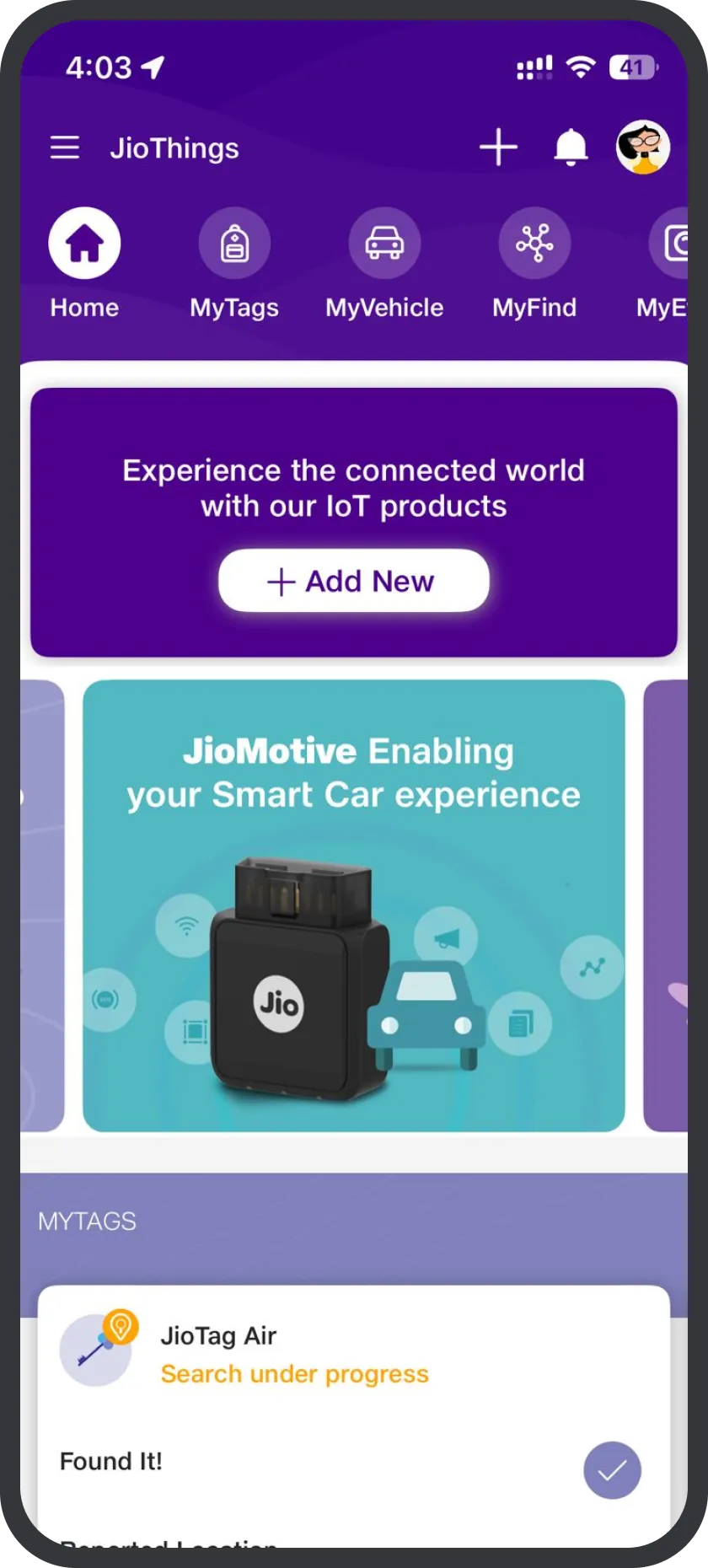
Download and sign in

Install the JioThings app and sign in using your mobile number with OTP verification.

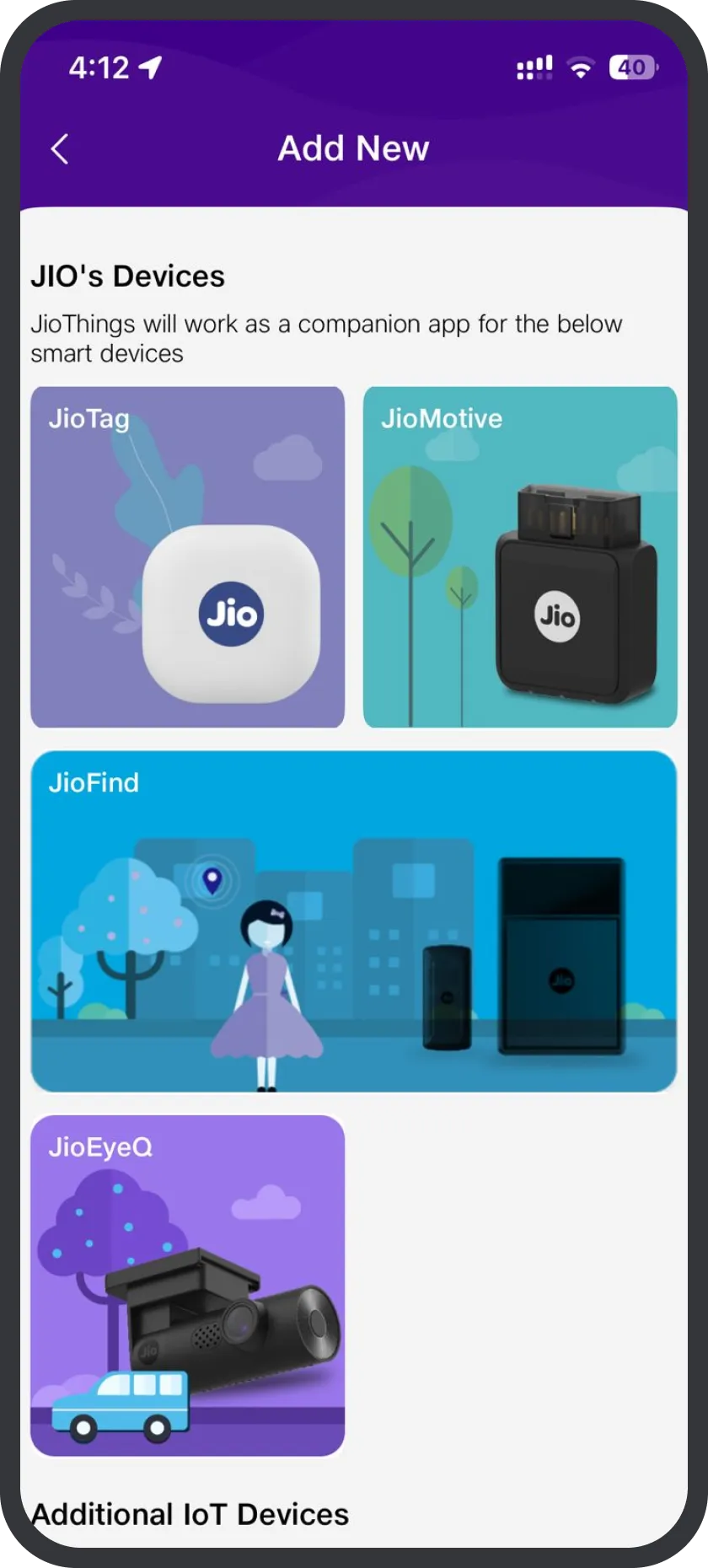
Add your device
Add your device

Tap ‘Add New Device’ and select your JioEyeQ dashcam from the list.

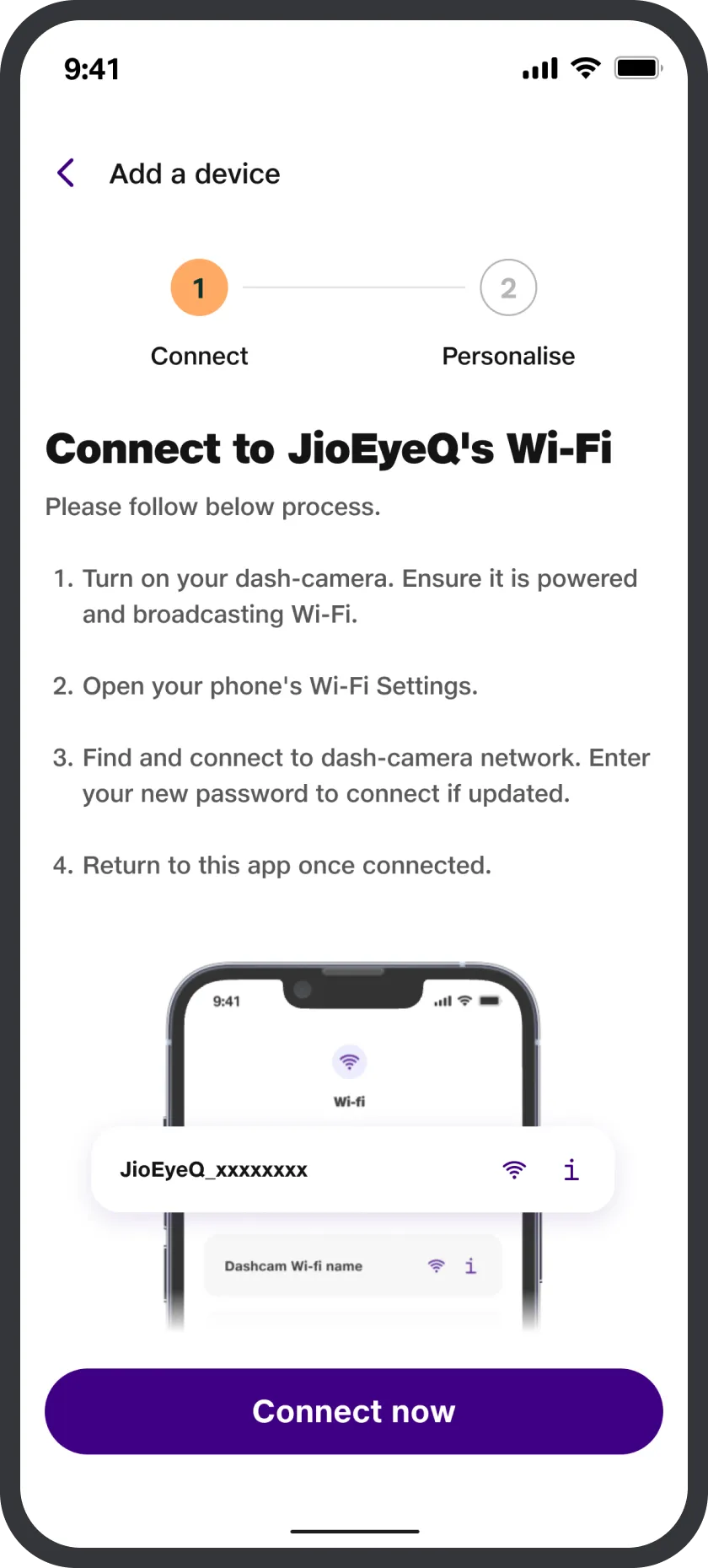
Connect to Wi-Fi
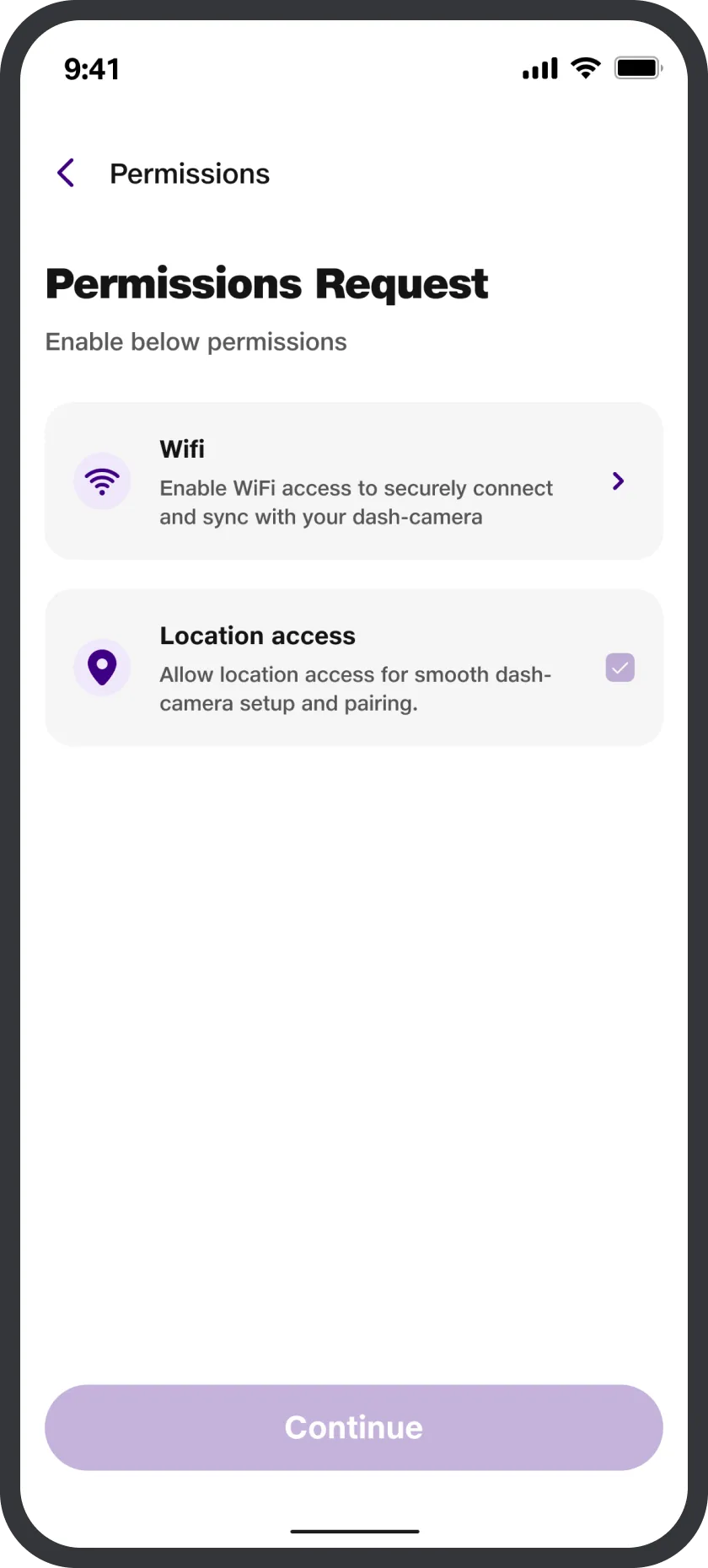
Allow permissions

Grant the required permissions to ensure smooth setup and access.

Connect to Wi-Fi
Complete in-app setup

Return to the app, tap ‘Next’, and follow the on-screen instructions.

Connect to Wi-Fi
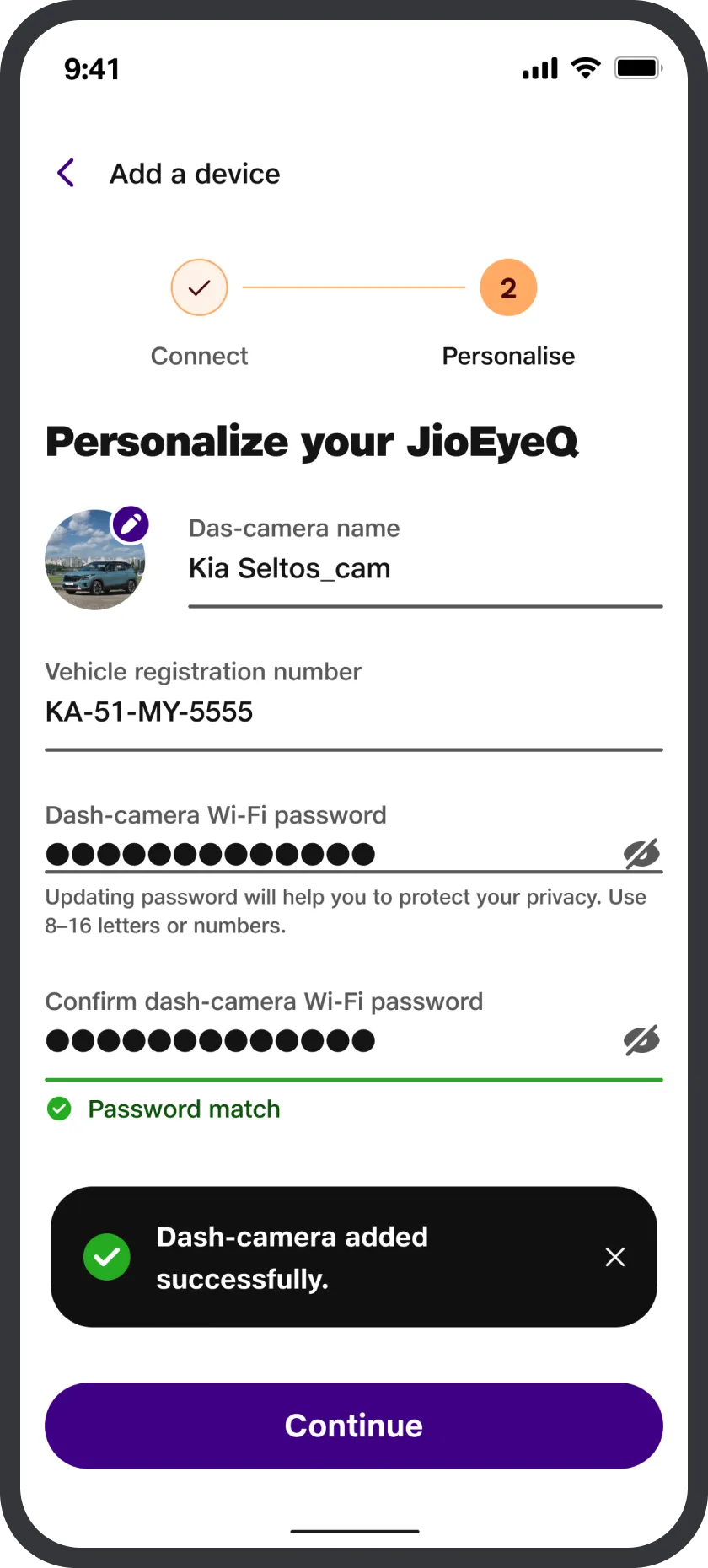
Personalise & reset Wi-Fi password

Name your device, confirm details, and complete setup in the app.

Connect to Wi-Fi
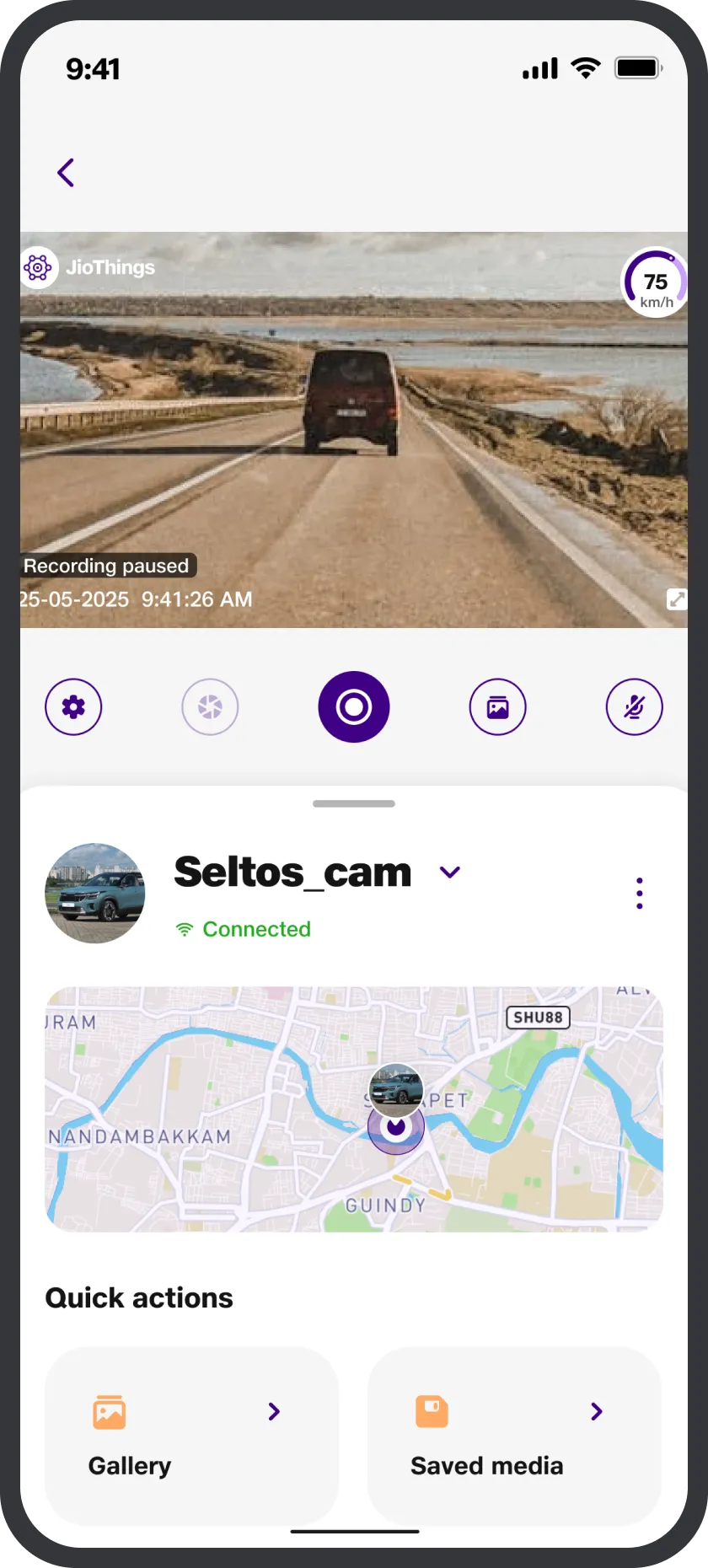
Connected and ready to go

Setup is now complete. Your JioEyeQ will show as 'Connected'. Just tap on it to access the camera.

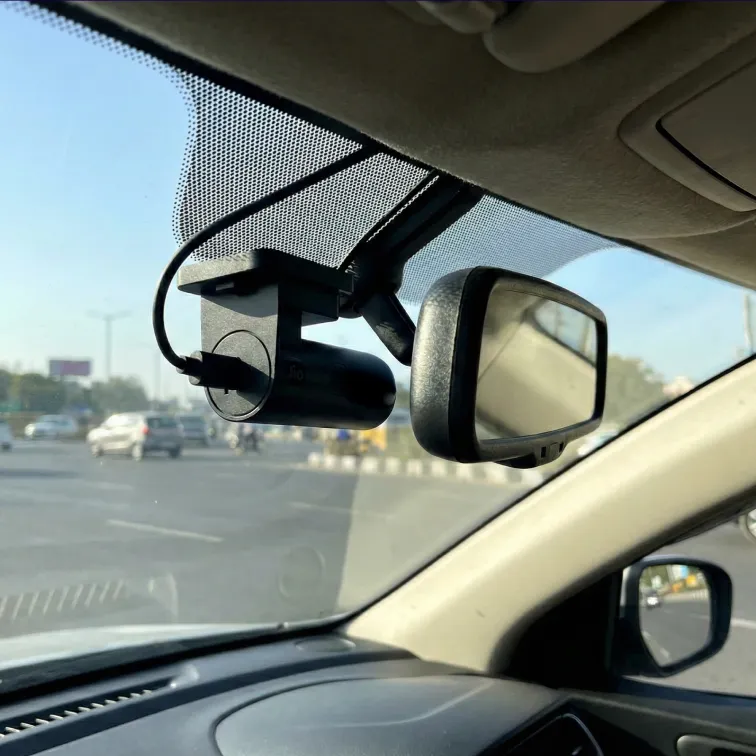
Step-by-step JioEyeQ installation guide

Get your JioEyeQ dashcam now

Truly wireless GPS tracker
Other JioThings products
Check out our range of bestselling products like JioMotive, JioFind, JioTags and more.
Real-time tracking across India
Free and fast delivery
Can’t wait to own a JioEyeQ? It’s available with leading e-commerce partners.
Geo-fence alerts on unexpected moves
We’re here for you
Facing issues? Call 1800-889-7999 or email support@jiothings.com (Mon-Sat, 8AM-8PM).
JioEyeQ Dashcam
JioEyeQ Dashcam

Smart Full HD dashcam with GPS, G-sensor-based collision detection, and AI pedestrian alerts.

₹3,499
₹7,999
Save 56%

Keep exploring

FAQ about JioEyeQ

  • JioEyeQ gives you clear recording, smart alerts, and reliable drive tracking — all in one compact dashcam.

Here’s what you get:

  • Full HD 1080p recording so every detail is clearly captured
  • 140° wide-angle lens to cover more of the road ahead
  • In-built GPS logging to record your route, speed, and location
  • AI People Detection for pedestrian and two-wheeler alerts
  • Collision Detection (G-sensor) that automatically locks impact footage
  • Loop recording, so recording never stops
  • 32 GB microSD card included, ready to use

In short, it records what matters, alerts you when needed, and keeps proof safe if something unexpected happens. So if these features are everything you were looking to add to your car, get your JioEyeQ now.

You control everything through the JioThings app.

It’s available on the Google Play Store and Apple App Store. Once you complete setup, your dashcam appears under the MyEyeQ section on the JioThings app.

With the JioThings app, you can:

  • Watch live footage
  • Download videos
  • Adjust settings
  • Enable or disable AI alerts
  • Check the route history on the map

Think of JioThings as your remote control for the JioEyeQ dashcam.

This is completely normal. When you connect to the dashcam’s Wi-Fi, your phone may lose internet because that Wi-Fi is only for camera connection. It doesn’t provide internet access.

Here’s what you can do while setting up your JioEyeQ:

  • Keep Mobile Data turned on, or
  • Enable:
  • Wi-Fi Assist (on iPhone), or
  • Smart Network Switch/Dual Channel Network Acceleration (on Android)

This allows your phone to use mobile data while staying connected to the JioEyeQ dashcam Wi-Fi.

Yes, you can change your JioEyeQ Wi-Fi password, and it only takes a minute.

Just follow these quick and easy steps:

  • Connect your phone to the dashcam’s Wi-Fi through the app
  • Go to Camera & Device Settings
  • Tap Wi-Fi
  • Select Edit
  • Enter the new password. Please note that only numeric passwords are supported.
  • Tap Update

With that, the dashcam will restart automatically. After that, simply reconnect your JioEyeQ using the new password

To fast-forward and rewind the JioEyeQ videos, you need to download the video on your device first. Playback controls work inside the ‘Downloaded Media Gallery’ in the app. If you’re streaming directly from the SD card, it’s not supported. So download the clip first and then scrub through it just the way you want.