
JioCarSync

Connect your phone to your car, wirelessly

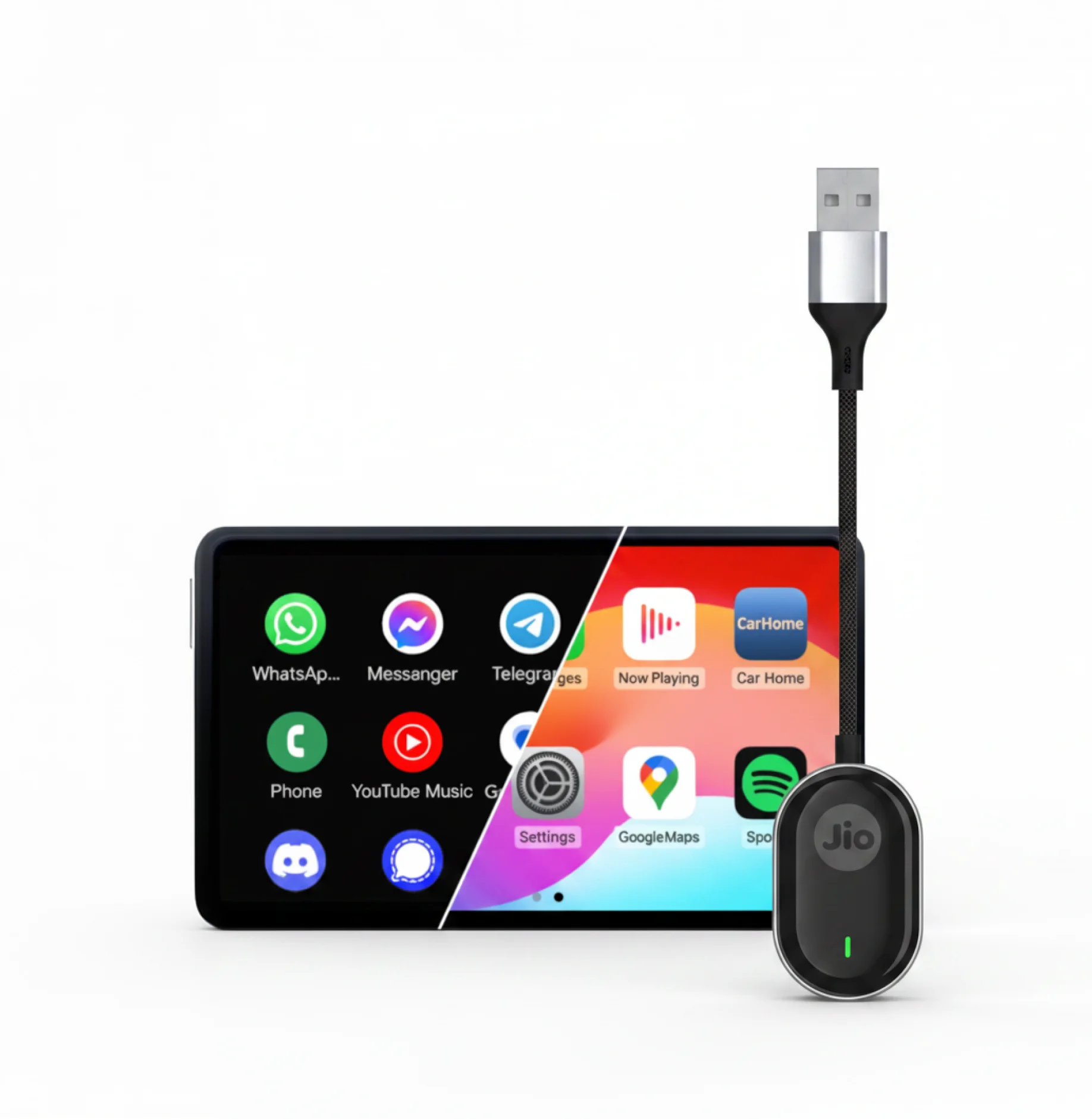
JioCarSync wireless adapter connected to a car infotainment screen
No more fumbling with cables every time you get into your car. JioCarSync brings wireless Apple CarPlay and Android Auto to your existing setup. Plug it in once, and your phone connects automatically every time you start the engine, giving you hands-free access to navigation, music, calls and apps.
Buy JioCarSync
Plug-and-play setup
Sleek, compact design
Fast and stable connectivity
Instant auto reconnection

This is what wireless driving feels like

If your car supports wired CarPlay or Android Auto, JioCarSync makes them wireless via Bluetooth pairing and high-speed Wi-Fi connectivity, unlocking these in-car experiences.
Get it now
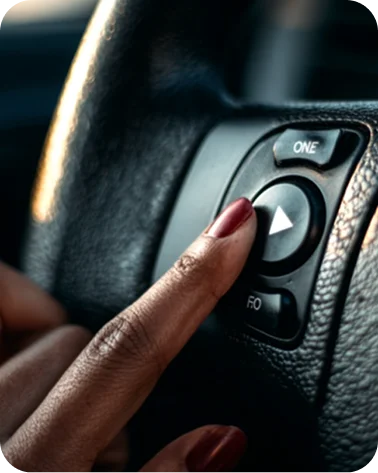
Hands-free calling using JioCarSync steering wheel controls

Hand-free calling

Stay focused on the road while managing calls effortlessly through your car's controls.

Wireless music streaming with JioCarSync

Wireless music streaming

Enjoy smooth, uninterrupted music playback with fast and reliable wireless connectivity.

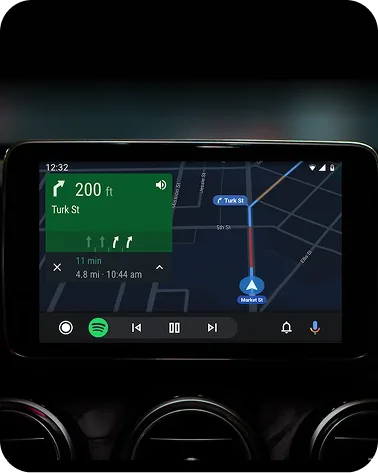
Turn-by-turn navigation on a car infotainment display

Turn-by-turn navigation

Get live directions and traffic updates on your car's screen without touching your phone.

Plug it once. Play every day

Syncs like it came with your car.

Designed for cars with factory-installed wired Apple CarPlay or Android Auto, JioCarSync offers a simple plug-and-play setup with no complicated installation, while keeping your touchscreen, steering wheel controls and voice commands working just as before.
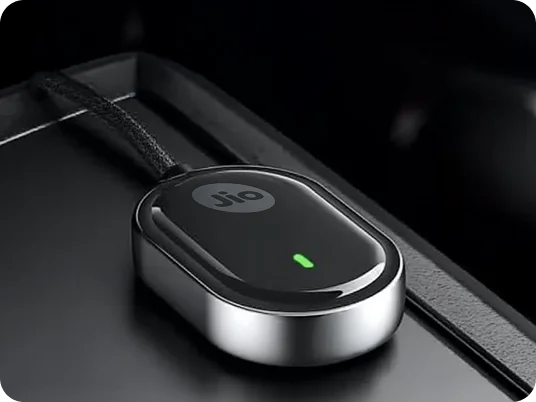
JioCarSync plugged in and synced on a car dashboard

Works from day one, works automatically

Powered by Bluetooth 5.3 and a high-speed 5GHz Wi-Fi chipset, JioCarSync delivers instant auto pairing and fast, stable wireless connectivity from the very first drive.
Get it now
JioCarSync supporting Apple CarPlay and Android Auto

Navigate, stream music, take calls, and use your apps — all wirelessly, on your car's screen.

Pair once. After that, JioCarSync finds your phone the moment your car starts.

High-speed Wi-Fi keeps your connection fast and stable, with no lag or drop during your drive.

Simple, durable and ready to go

JioCarSync's premium aluminium build combines lasting durability with a refined in-car look, while the included Type-C connector ensures seamless compatibility.
Get it now
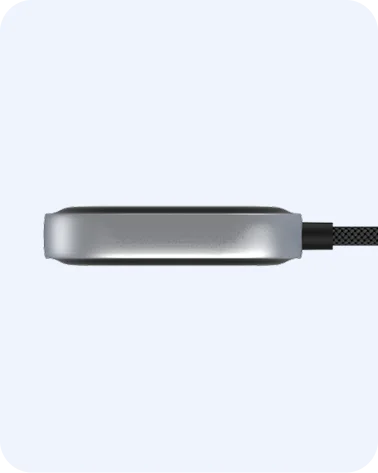
JioCarSync metal unibody frame

Metal unibody frame

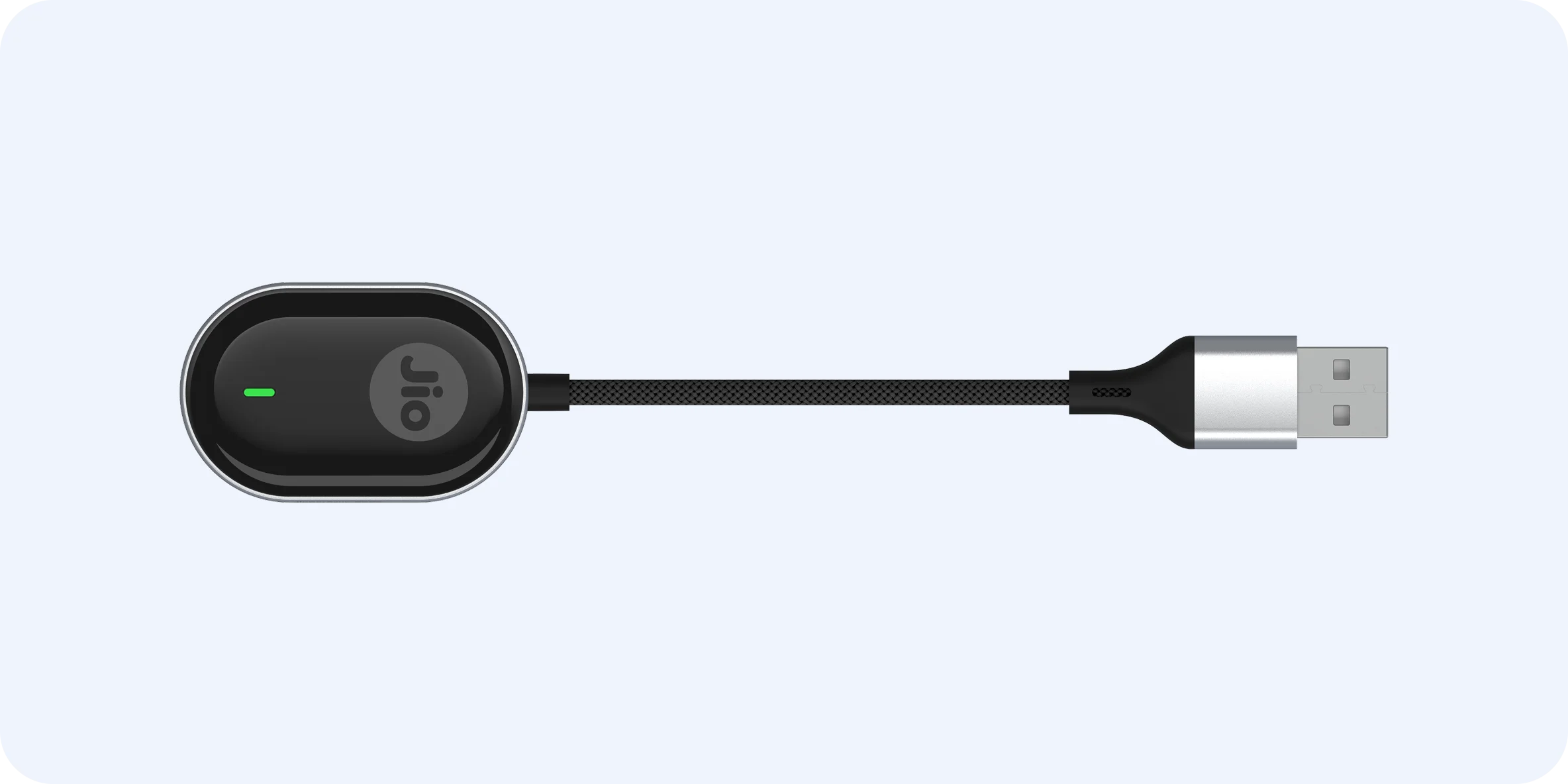
As tiny as a thumb, JioCarSync blends effortlessly into your car interior — no bulky devices or messy wires.

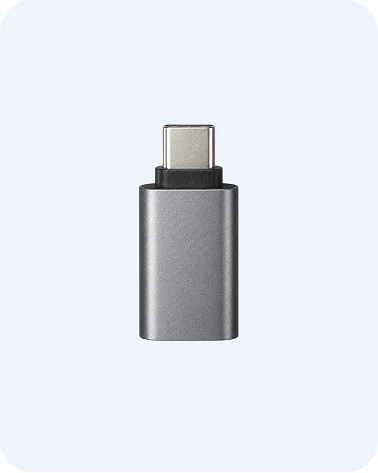
JioCarSync Type-C connector

Type-C ready connectivity

Plugs into your car's USB-C port. It's compatible with most cars that support wired CarPlay or Android Auto.

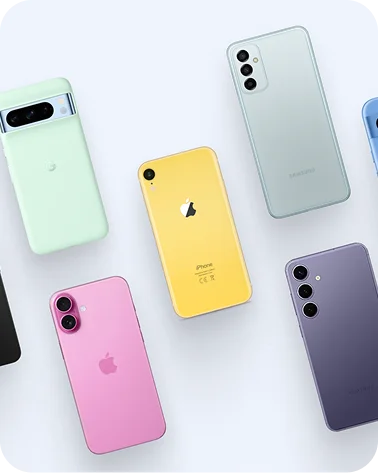
JioCarSync works with most smartphones

Works with most smartphones

Seamlessly connects with iPhones (iOS 12+) and Android devices (Android 11+), ensuring broad compatibility across models.

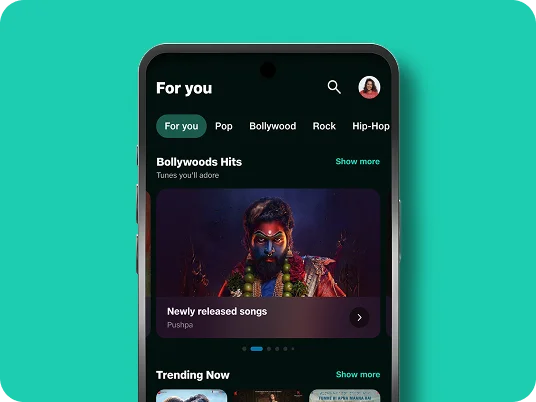
Stream your favourite music app on the go.

JioSaavn, Spotify, Apple Music, YouTube Music — play anything, straight to your car speakers with no cable and no interruptions.
Explore JioSaavn
JioSaavn music streaming on a phone connected via JioCarSync

Chosen by thousands of car owners

Are you next? If it's a big yes, you're all set for a seamless, instant wireless driving upgrade — all for less than the cost of a tank of fuel.
For its instant auto reconnection
For its plug-and-play setup
For its stable Wi-Fi connectivity
For its compact, durable build

FAQs

JioCarSync is a wireless car receiver that lets you use wired Apple CarPlay or Android Auto wirelessly in your car. Once connected, you can access navigation, music, calls, and apps without plugging your phone in with a cable.

JioCarSync works only with cars that already support wired Apple CarPlay or Android Auto. If your car does not support wired CarPlay or Android Auto, JioCarSync will not work.

You can check compatibility by connecting your phone to your car using a USB cable. If the Apple CarPlay or Android Auto logo appears on your car display, your car supports JioCarSync.

Android phones running Android 11 or above, and iPhones running iOS 10 or above.

Start your car and wait for the infotainment system to fully boot. Turn on Bluetooth and Wi-Fi on your phone. Plug JioCarSync into the USB port used for wired Apple CarPlay or Android Auto. Open Bluetooth settings on your phone and select "JioCarSync-your device name". Complete the pairing process — JioCarSync will then automatically connect and launch Apple CarPlay or Android Auto.

Ready for a seamless, wireless drive?

Get JioCarSync today and turn your car's wired CarPlay or Android Auto into a wireless experience, right out of the box.
Buy JioCarSync now